2026
ElkNut
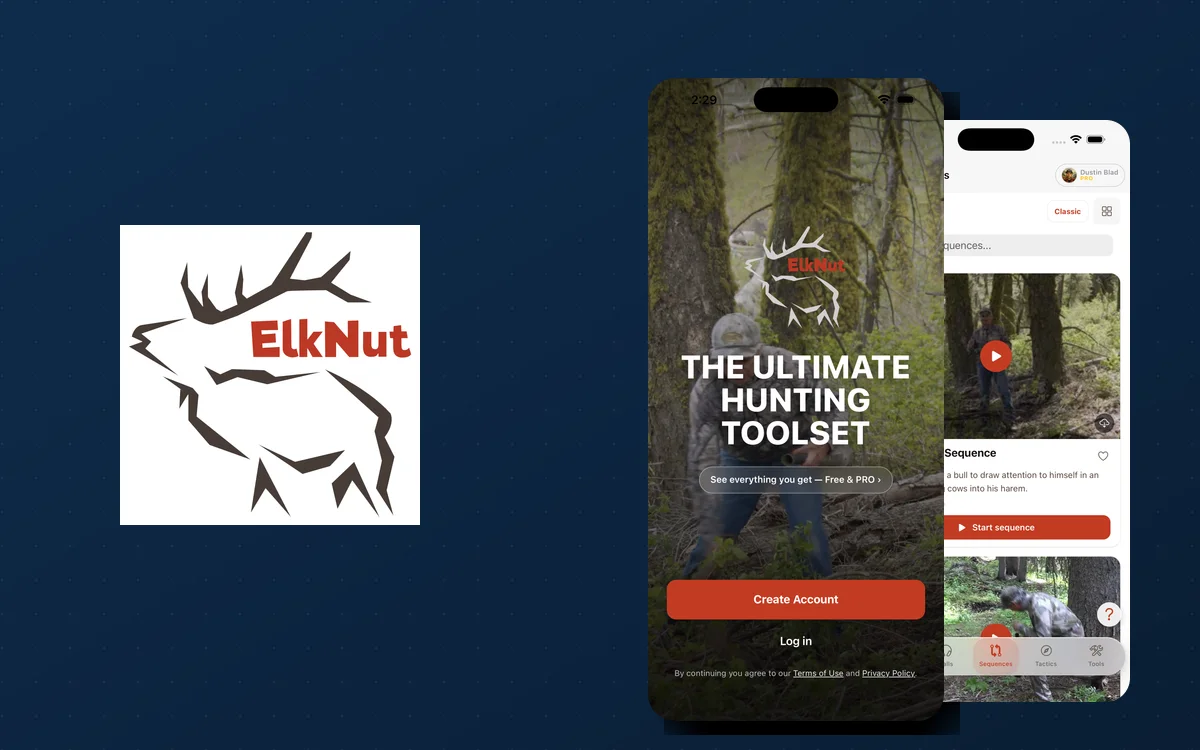
A serious overhaul of the well-known elk-calling app — I helped Game Tech redesign and reengineer it into one codebase for iOS, Android, and web, with an AI Call Coach, offline field mode, and a native Apple TV app.
Timeline
Ground-up 4.0 rebuild
Stack
Ionic 8 · Angular 21 · Capacitor 8 · SwiftUI
Outcome
One codebase shipping to iOS, Android, and web (PWA)
The problem
ElkNut is one of the best-known names in elk calling, but the app had fallen behind — a dated design sitting on an aging codebase that was hard to change and couldn't support what it needed to become. It was due for a serious overhaul: one modern app across iOS, Android, and the web, with new training content and hunt tools, that keeps working deep in the backcountry where there's no signal.
The build
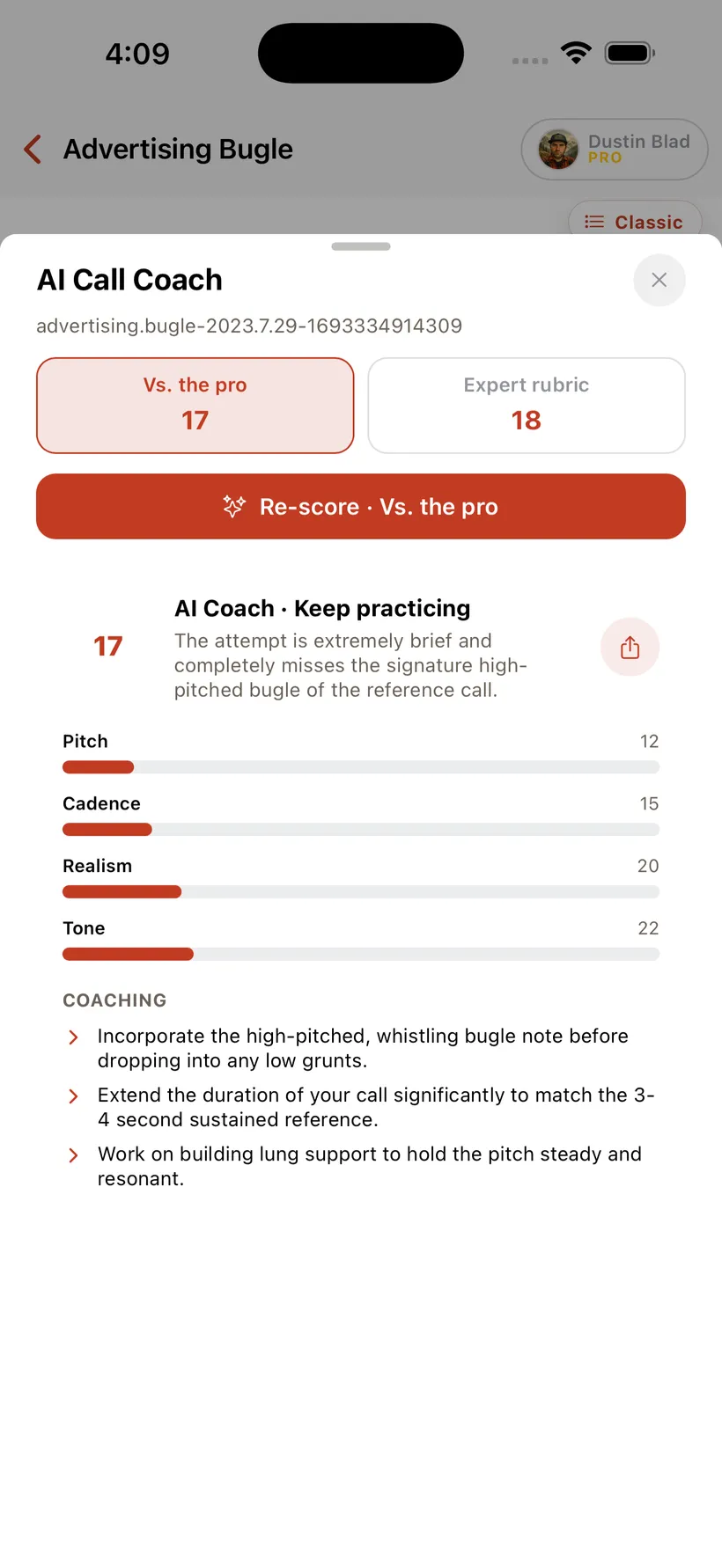
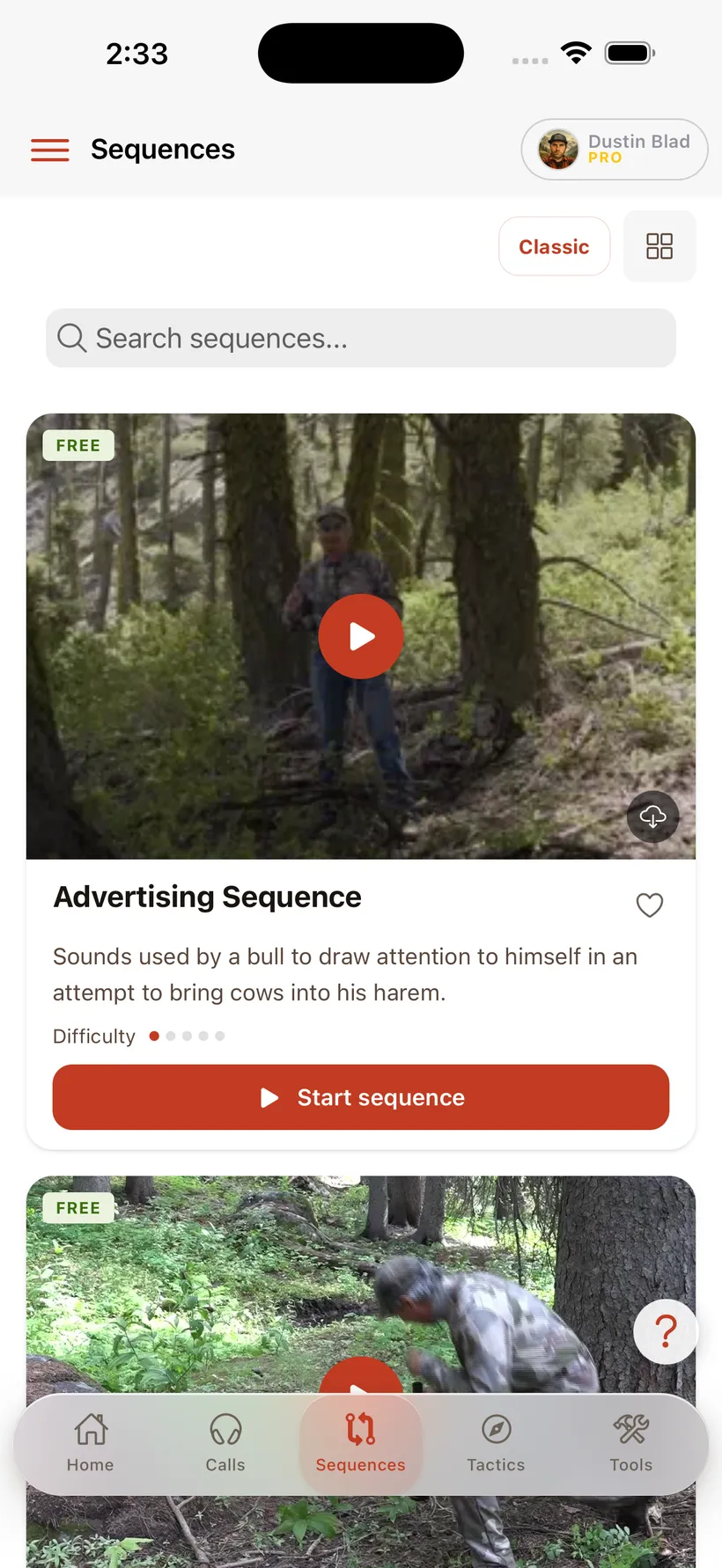
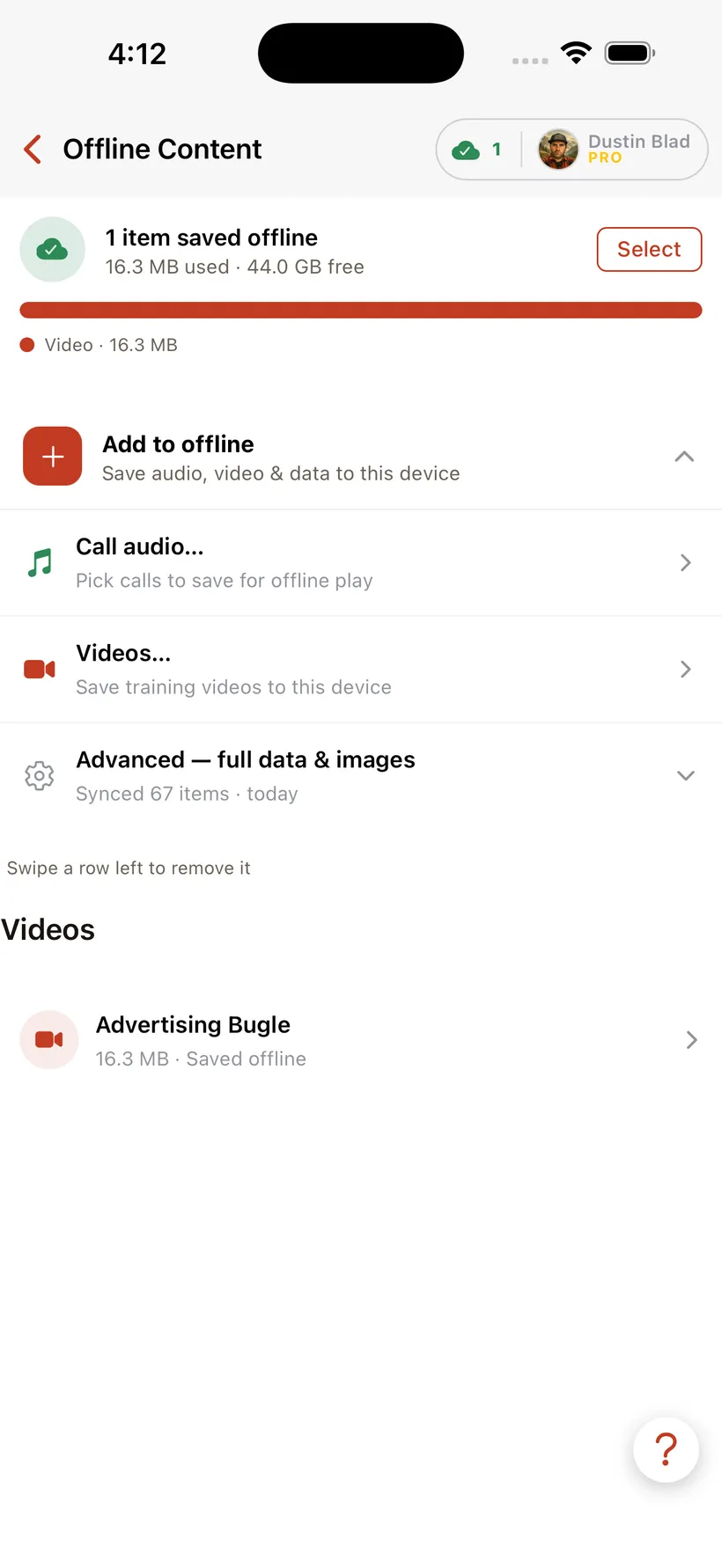
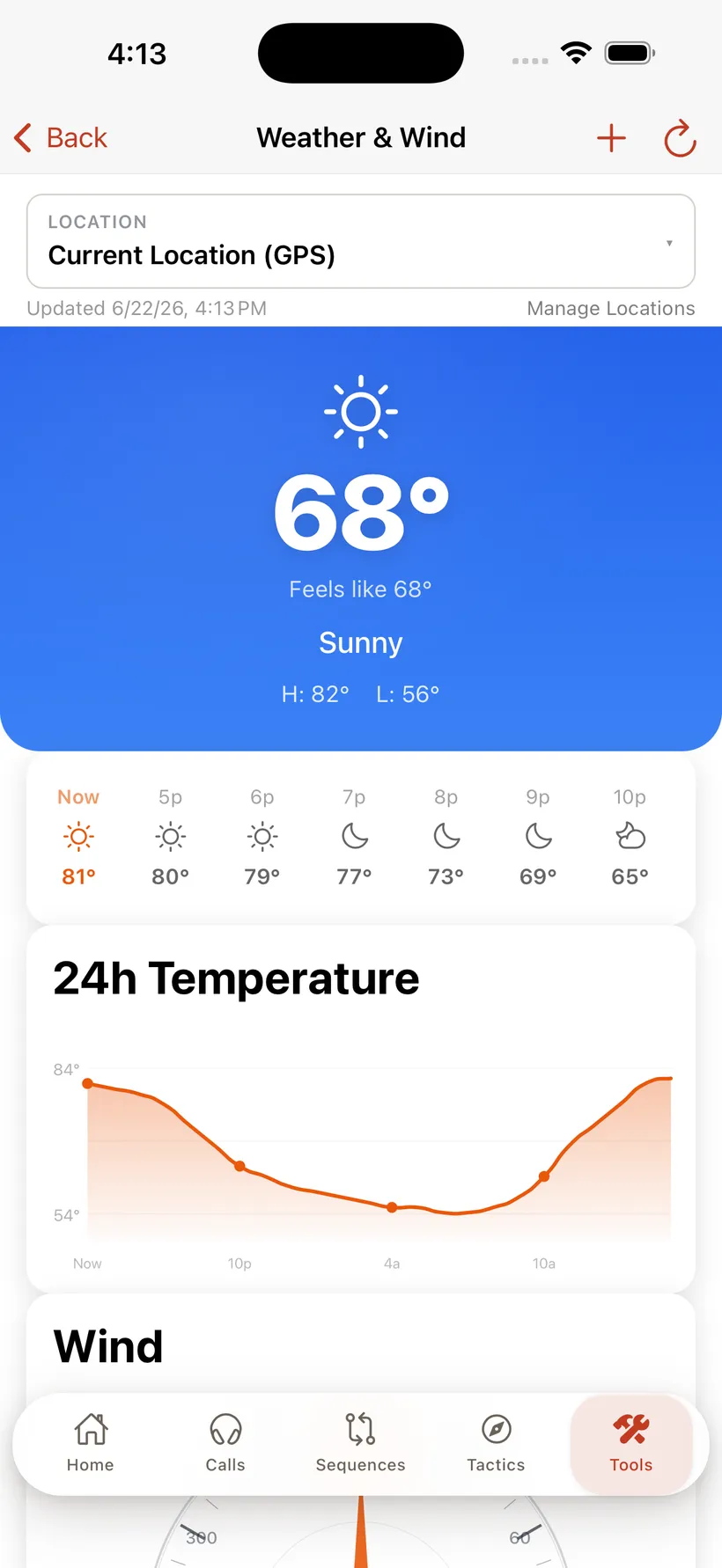
I helped Game Tech take it on — a full redesign and re-engineering from the ground up. It's now a single Ionic 8 / Angular 21 / Capacitor 8 codebase that ships to iOS, Google Play, and the web as a PWA, backed by a NestJS API on Firebase. The headline feature is an AI Call Coach: you record a call, and it scores you 0–100 on pitch, cadence, realism, and tone, with written coaching — powered by Gemini. Everything the app teaches works offline, so the calling library, video, and maps are there when you're miles from a tower. The newest surface is a native SwiftUI Apple TV app — tvOS has no WebView, so Capacitor can't reach it, and the living-room experience had to be built natively against the same API.
ElkNut had a loyal following and a codebase that had aged out from under it. I helped Game Tech rebuild it from the ground up — a full redesign and re-engineering that keeps everything the app was known for and adds the pieces people kept asking for. It’s built for hunters who want to get better at calling and reading elk, from a first cow call to a screaming bull at last light.
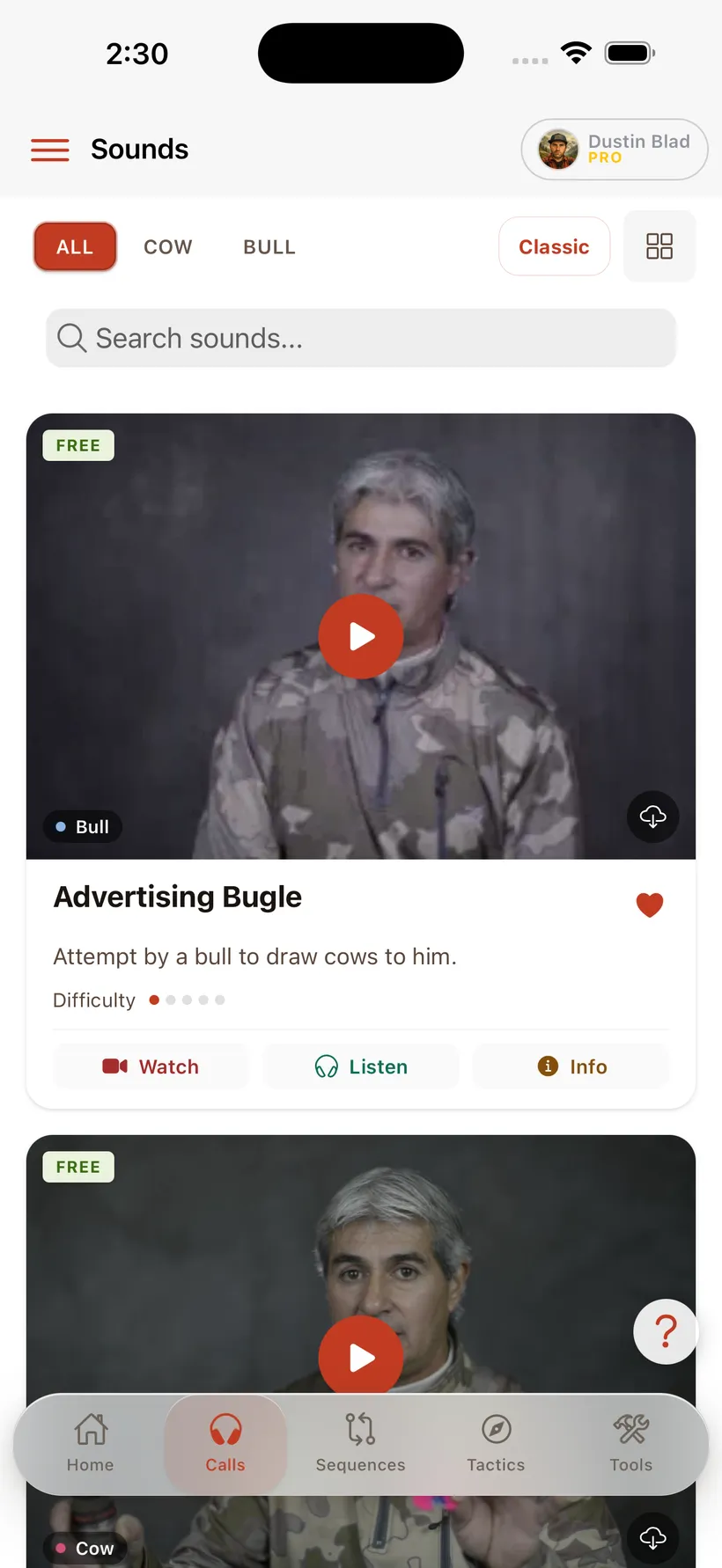
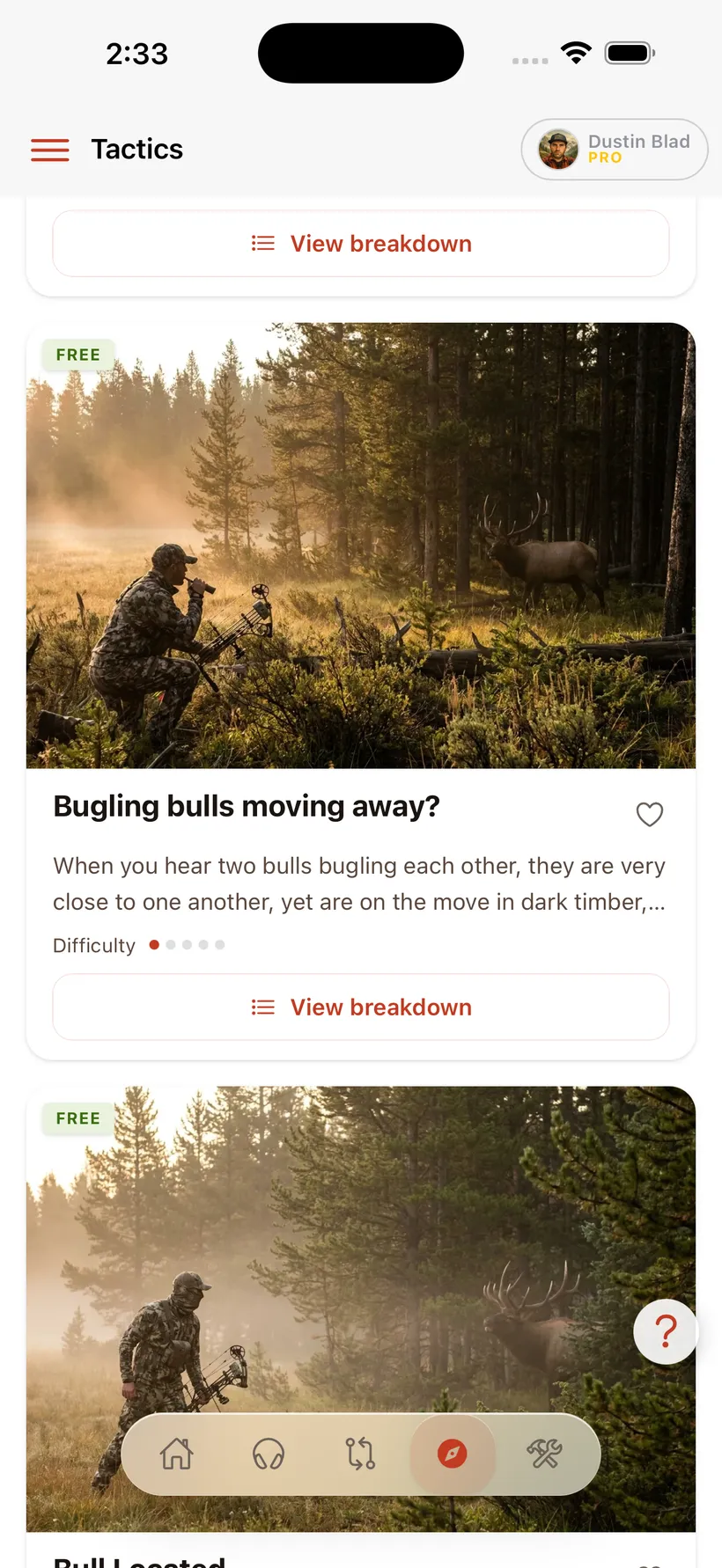
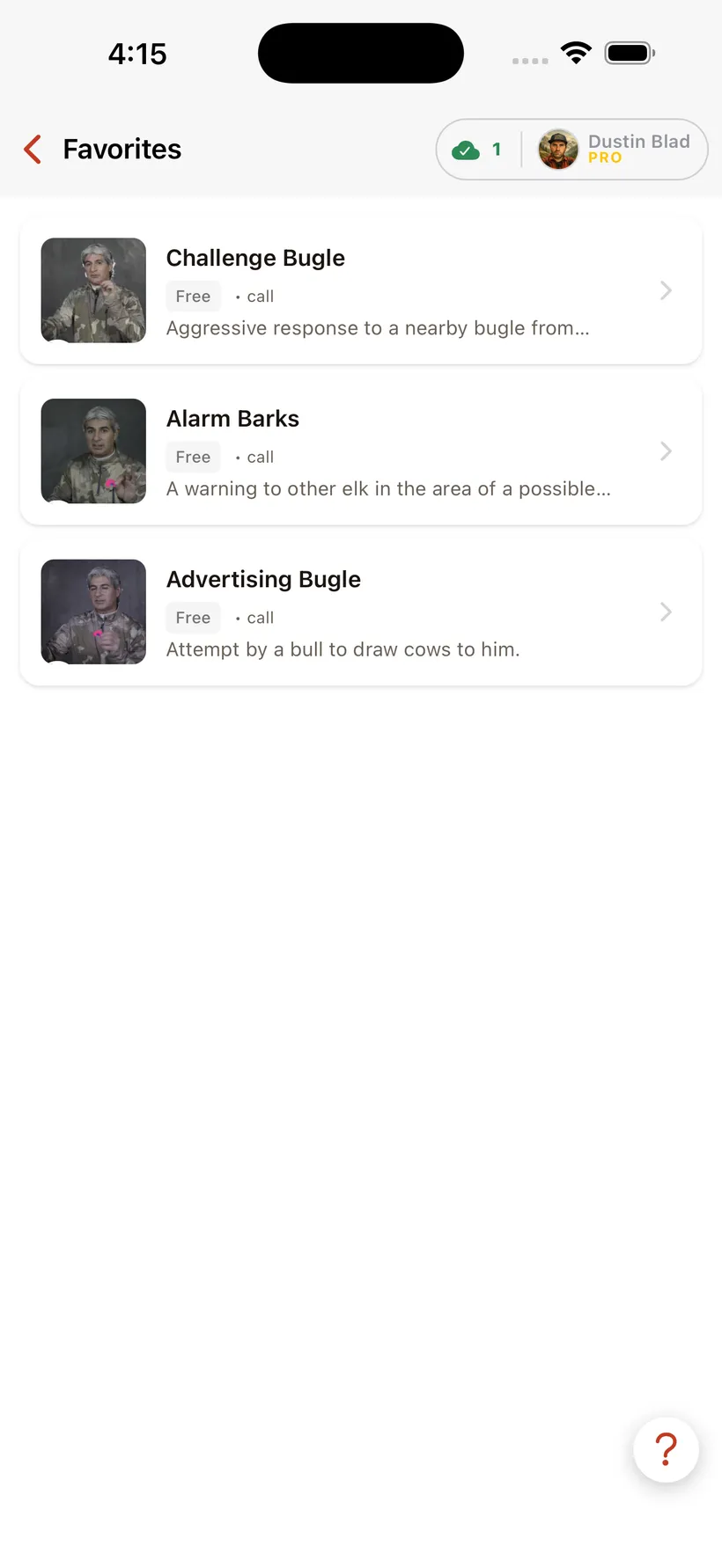
The training side is a deep, expert-made library — bugles, cow calls, and estrus calls with pro audio and video, proven field tactics, and step-by-step calling sequences for real hunting scenarios. The new AI Call Coach lets you practice against it: record yourself, watch the waveform, and get an honest 0–100 score with tips on what to fix.
Under the hood it’s one Ionic + Angular + Capacitor codebase compiled to native iOS and Android and served on the web as a PWA, sharing a single TypeScript library with the admin dashboard and the marketing site. A NestJS API on Firebase handles auth, content, subscriptions, and the AI scoring. The whole thing is built offline-first, because the moment you actually need it is the moment you have no bars.
Bringing it to the living room
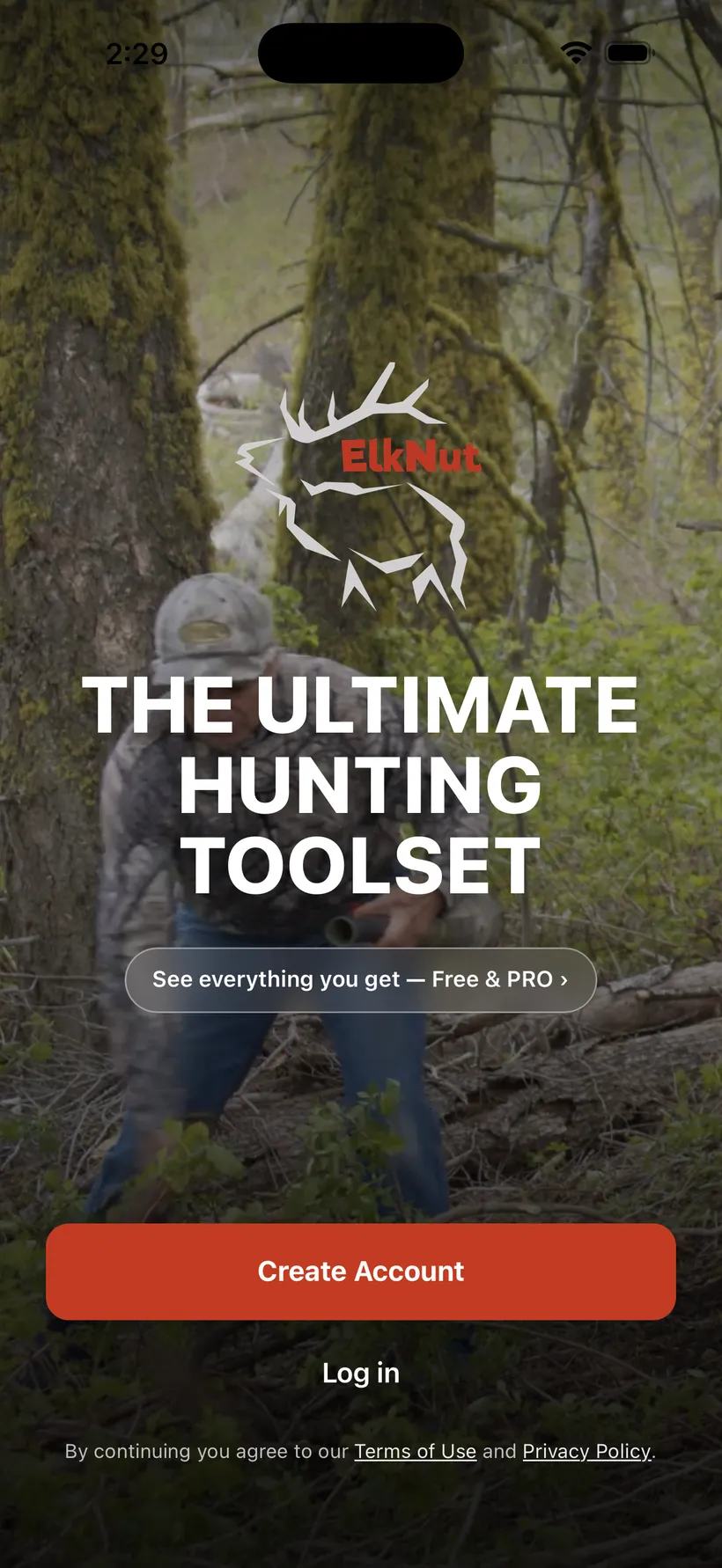
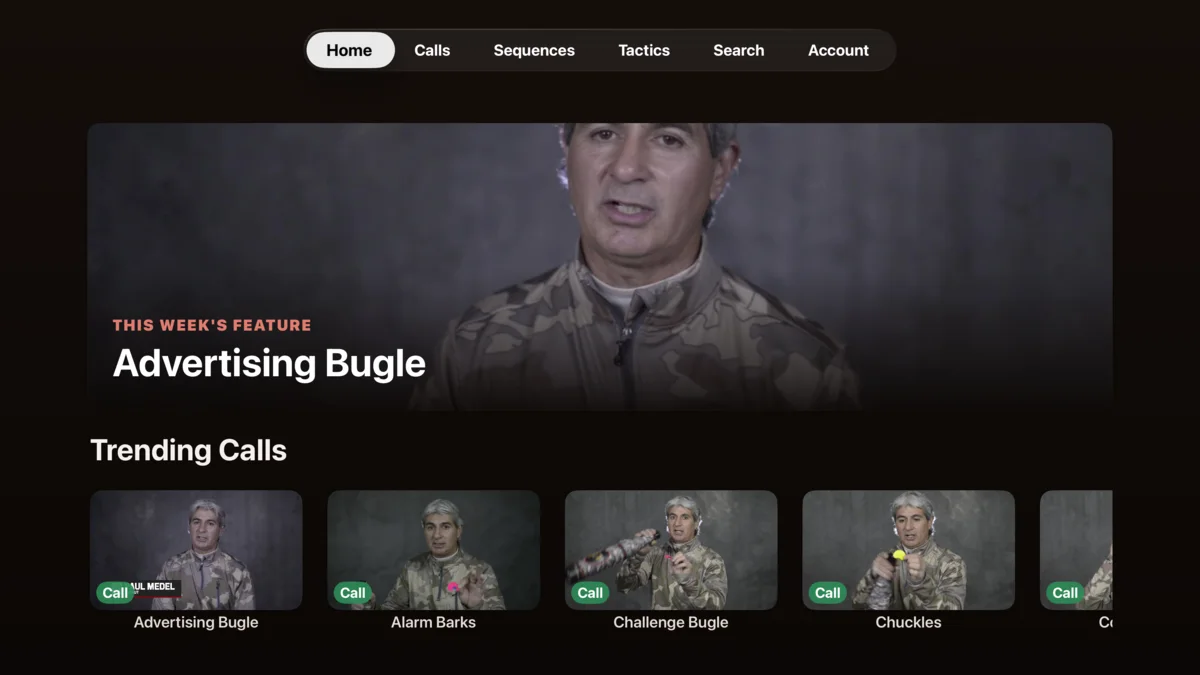
The newest addition is a native Apple TV app, and it is the one place the shared codebase could not follow. tvOS ships no WebView, so Capacitor has nothing to wrap — an Angular app simply cannot run there. The TV app is written from scratch in SwiftUI.
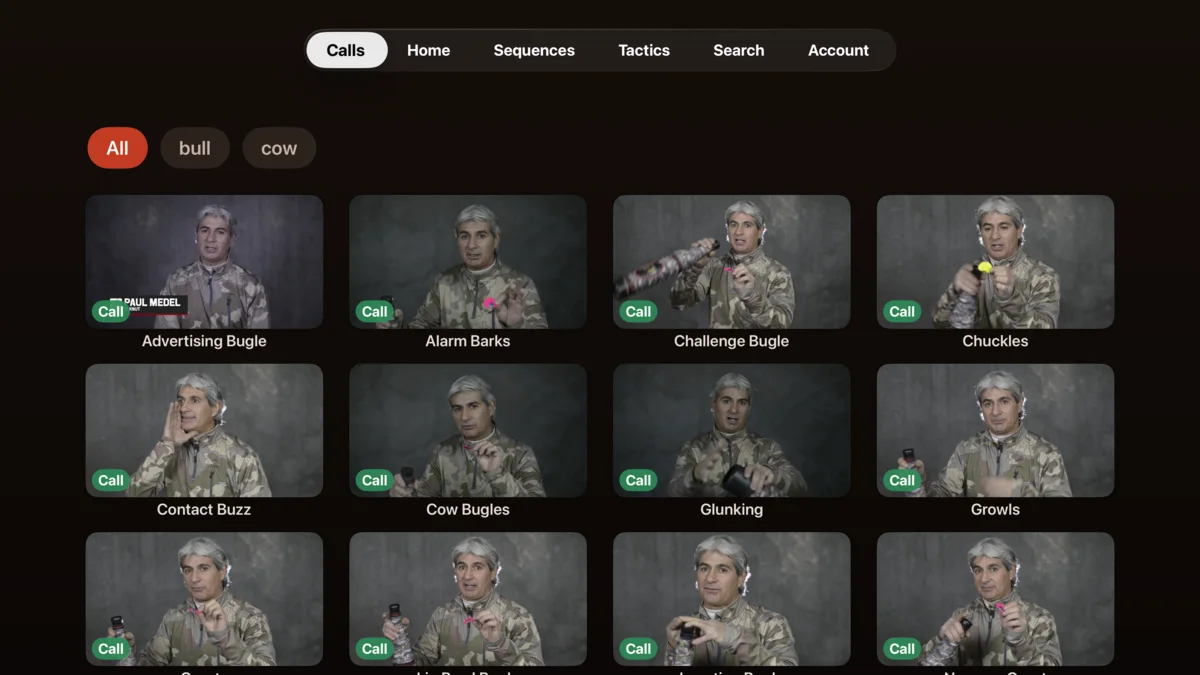
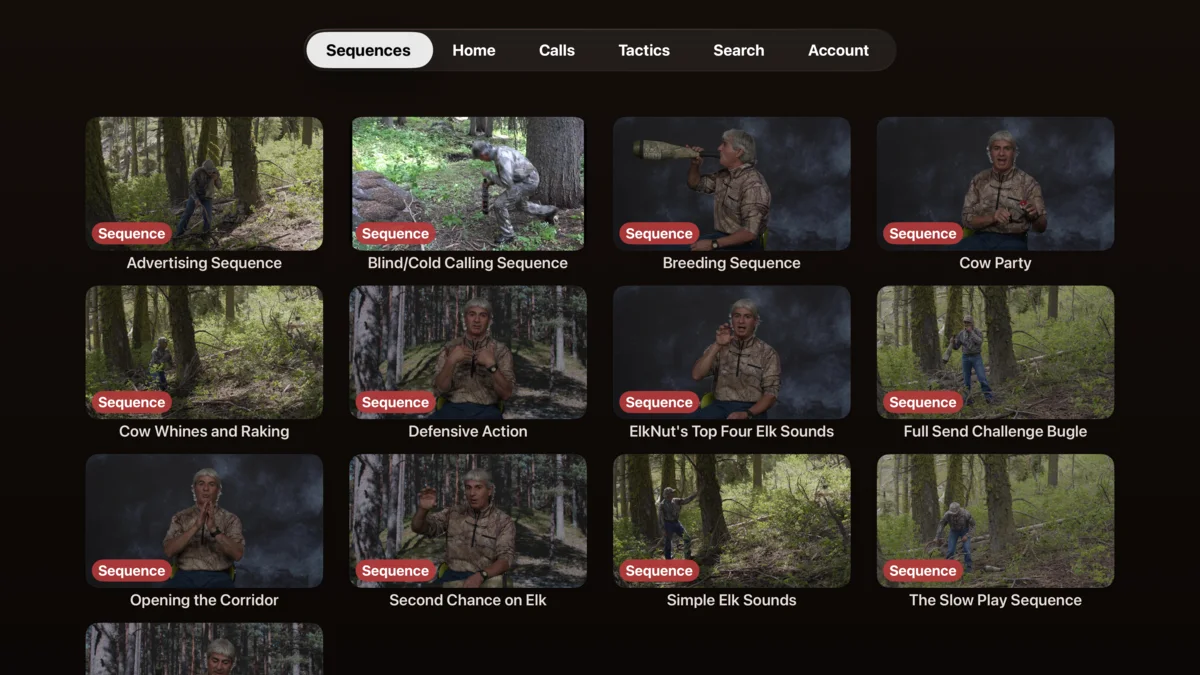
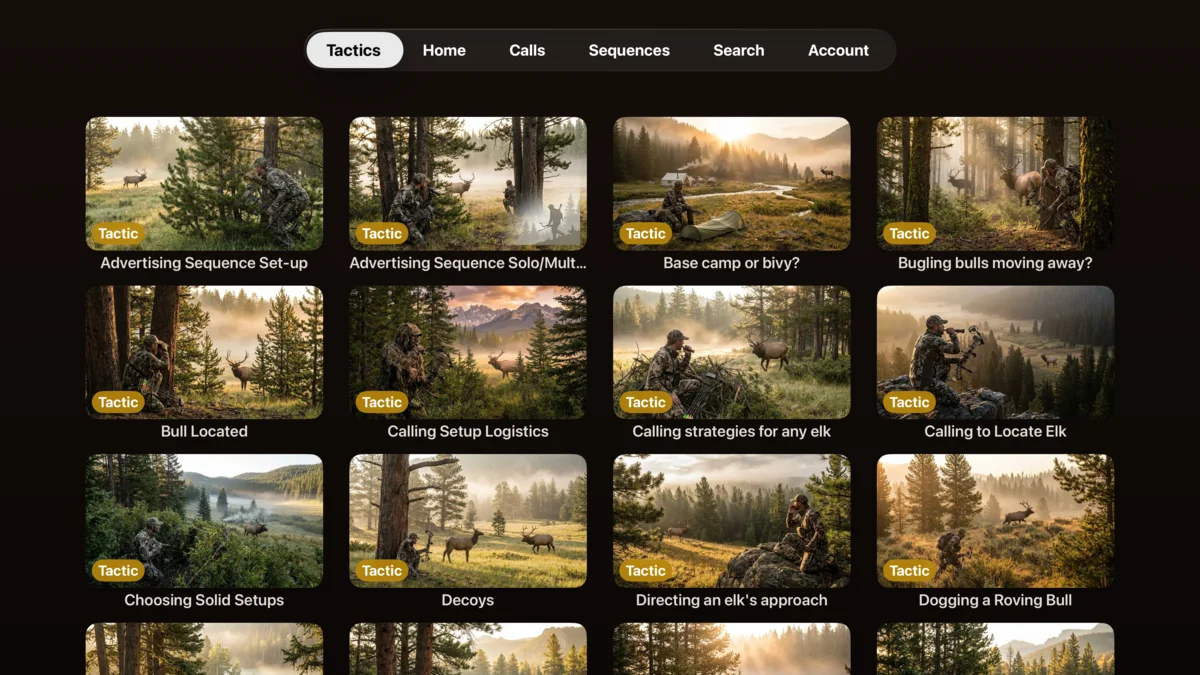
That turned out to be the right shape anyway. A television is a consumption surface, not a field tool: you browse, you watch, you listen. So the TV app takes the slice of ElkNut that belongs on a big screen — curated home rails, the full Calls, Sequences, and Tactics libraries, and HLS video with captions playing through AVPlayer — and deliberately leaves behind everything that needs a pocket. Practice recording and the AI Call Coach need a microphone. The GPS, maps, compass, and weather tools need to be where the elk are. None of that belongs ten feet from a couch.
Nothing was forked to make it work. The TV app talks to the same NestJS API, the same Firebase project, the same Bunny CDN video library, and the same subscription entitlement as the phone. The contract is the REST API, exactly as it is for the admin dashboard and the marketing site.
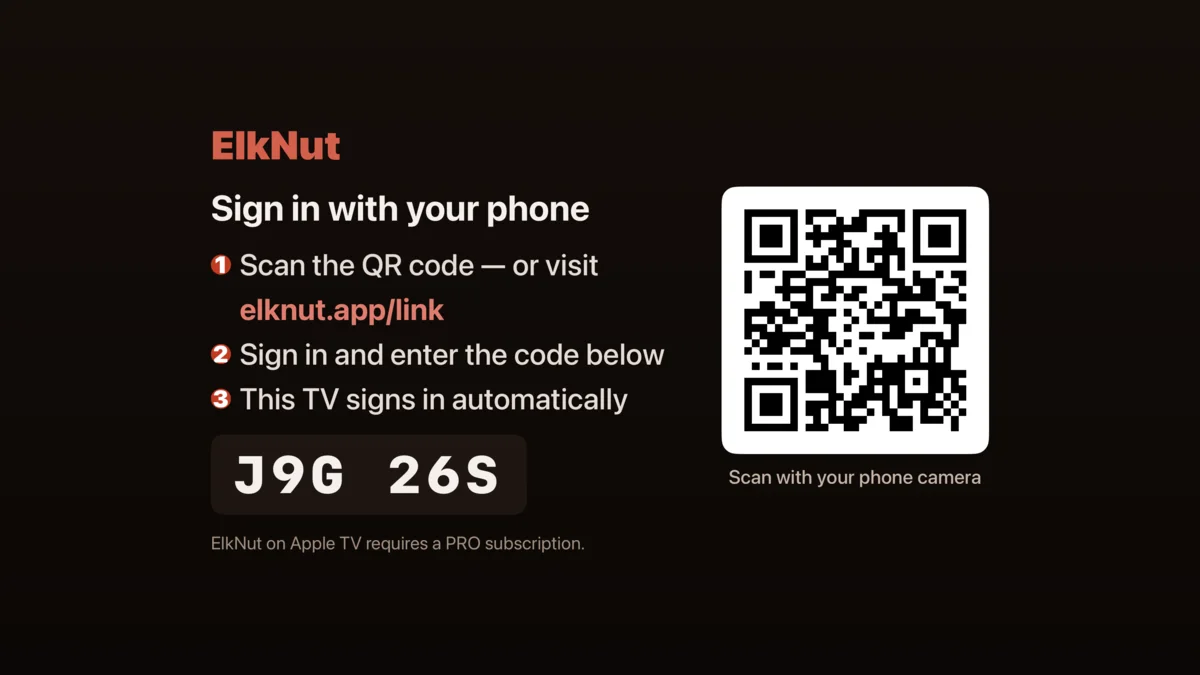
The interesting problem was signing in. Typing an email and password on a TV remote is miserable, so the app doesn’t ask. It shows a QR code and a short pairing code: scan it with your phone, confirm on a device where you’re already signed in, and the television authenticates itself a moment later. That flow needed a small new module on the API to issue and claim link codes, which is also where the subscription check happens — the entitlement is verified server-side at claim time rather than trusted from the client.
Get it on the App Store, on Google Play, or on the web.
ElkNut on Apple TV
The outcome
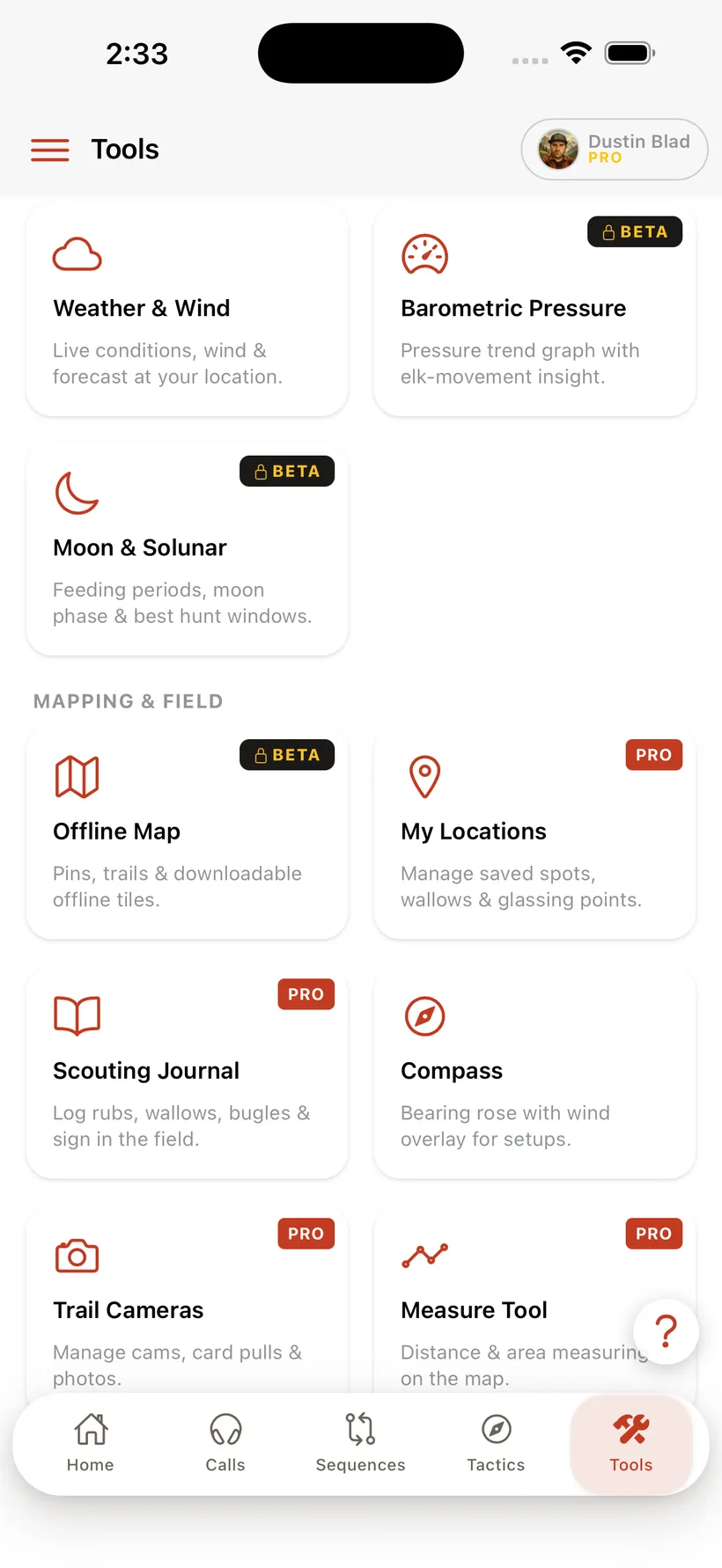
ElkNut 4.0 shipped to the App Store and Google Play as a complete redesign and rebuild — the calling library, tactics, sequences, and video training, plus the new AI Call Coach and 15 hunt tools, all from one codebase across three platforms. A native tvOS app now extends the same catalog to Apple TV, signing in by QR code and streaming the full video library on the big screen.
- One codebase shipping to iOS, Android, and web (PWA)
- AI Call Coach that scores recordings 0–100 with written feedback (Gemini)
- Offline field mode — training, video, and maps with no signal
- 15 hunt tools: rut calendar, pack-out calculator, draw tracker, harvest log, and offline MapLibre maps with GPS tracks
- Native SwiftUI Apple TV app — 24 Swift files, no WebView, same NestJS API
- QR-code sign-in: scan with your phone instead of typing a password on a remote
- Admin dashboard for managing content and subscriptions
Have a similar problem?
Book a 30-minute call and we'll scope it together — no pitch, just a plan.
Book a call →